How to Add Localization QA to Your CI/CD Pipeline
Where localization checks belong in CI/CD: string checks on every pull request, a rendered-page check on staging after deploy, and a release gate on critical and major findings.
November 16, 2026 · By Loqalit Team
Add localization QA to CI/CD in two layers: fast string checks on every pull request, and a check of the rendered staging site after each deploy that blocks the release on critical or major findings. String checks catch broken files early; the rendered check catches what only shows on the page, such as clipped buttons, text that never reached your TMS and missing translations.
Why run localization QA in CI?
Localization bugs are introduced by ordinary code changes: a new component with a hard-coded label, a wider font, a renamed variable. If QA happens in a review round once a quarter, those bugs ship and wait. Running checks on every change means the person who introduced the bug fixes it while the change is fresh.
Which checks belong at which stage?
| Stage | Check | Catches |
|---|---|---|
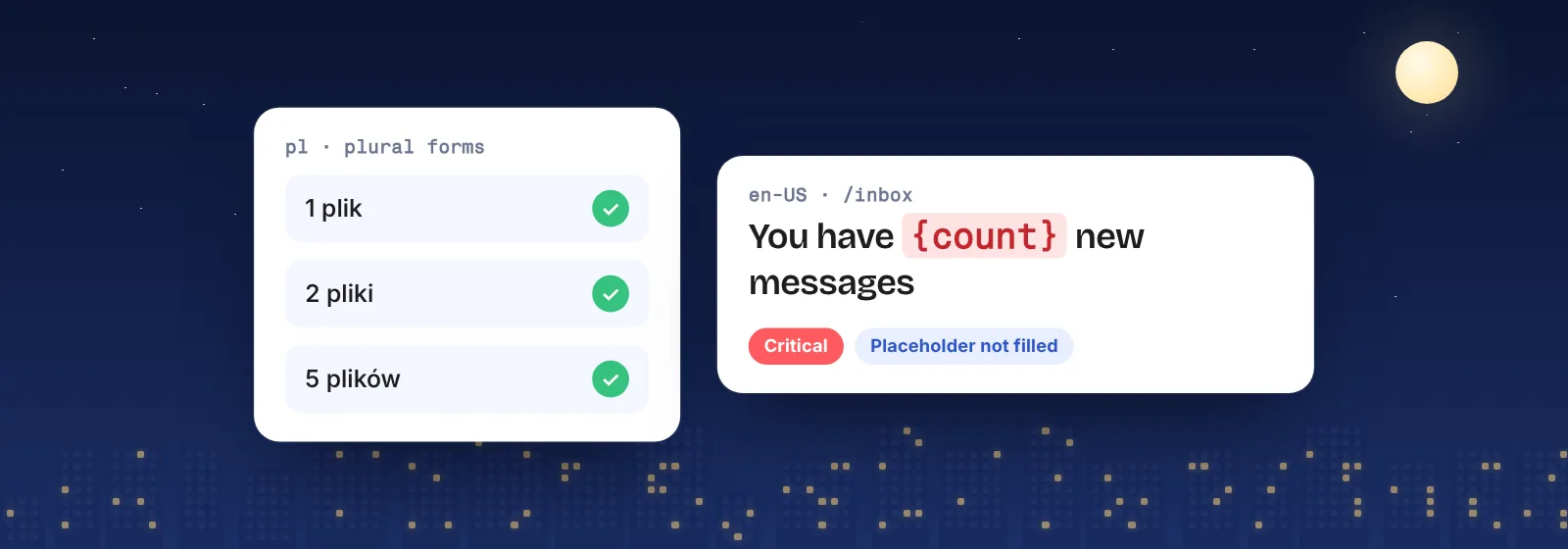
| Pull request | Message validation | Missing keys, placeholders removed or changed, invalid ICU syntax |
| Pull request | Pseudo-localization | Hard-coded strings and layouts that can’t take longer text |
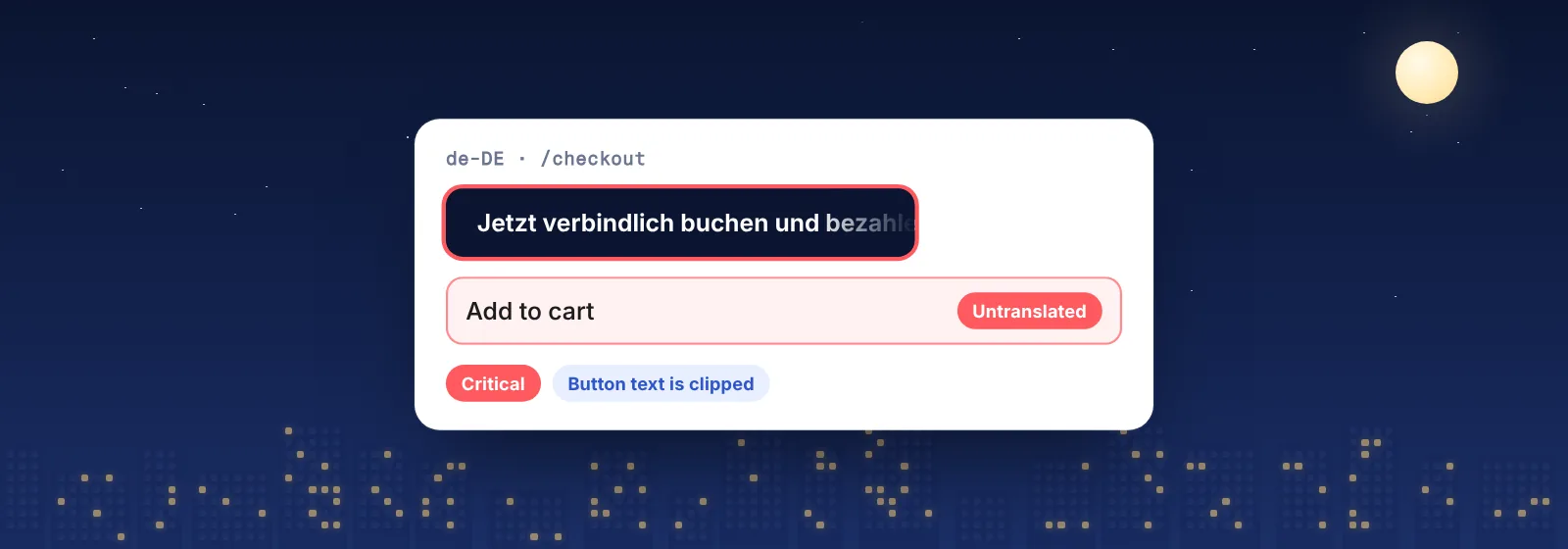
| After deploy to staging | Rendered-page check in every locale | Clipped text, untranslated and mixed-language pages, wrong formats, context errors |
| After release | Scheduled checks of the live site | Regressions from CMS edits, campaigns and third-party content |
What should block a release?
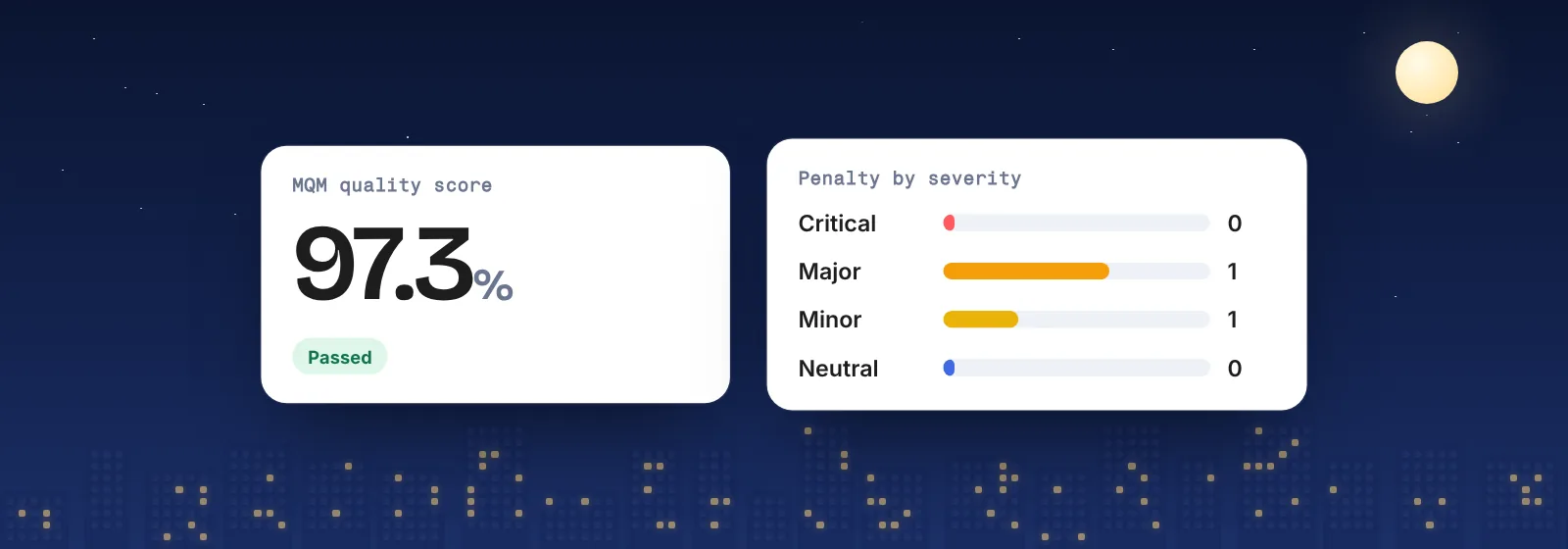
Block on what users would notice and what costs money: critical and major findings such as an untranslated checkout button, an unfilled placeholder or a clipped call to action. Let minor and neutral findings through and track them. A severity scale such as MQM makes the rule explicit, so nobody argues about it on release day.
How do you avoid flaky gates?
- Point at a fixed staging address, not a preview URL that changes with every pull request.
- Check the pages that matter: signup, pricing, checkout and your top landing pages first.
- Gate on new findings, so an old known issue doesn’t block every release.
- Keep content stable on staging, or random test data will look like translation errors.
How to add Loqalit as a release gate
Create an API key in your Loqalit project, add it to your repository secrets, and add the Loqalit step to your GitHub Actions workflow after the deploy to staging. Loqalit scans the staging pages in every language, scores the findings with MQM, and fails the build on critical or major ones. Every finding has a screenshot and a suggested fix, so the developer who broke the page sees exactly what to change. Not on GitHub Actions? Use signed webhooks and the REST API.
Schedule it. Forget it. Ship it.
Start with a free QA report. We scan your live site in up to 3 languages and email you the findings with screenshots, MQM severities and suggested fixes.